Stacked App Shell
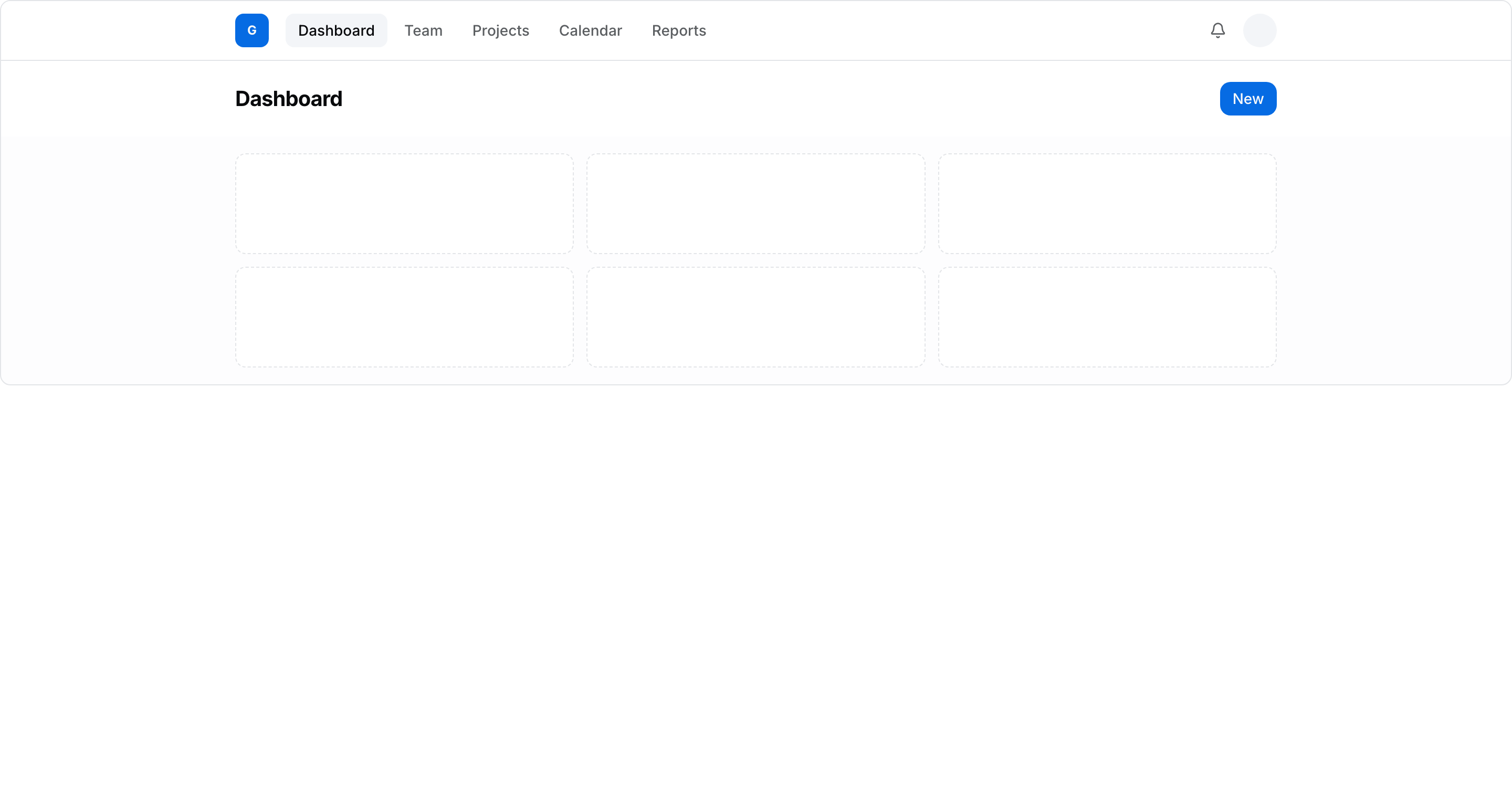
FreeNew상단 네비게이션 + 페이지 헤더 + 본문. 모바일에선 햄버거 메뉴로 전환.
Live preview
Code
"use client";
import * as React from "react";
import { cn } from "@/lib/utils";
/**
* Stacked App Shell — 상단 네비게이션 바 + (선택) 페이지 헤더 + 본문.
* 일반적인 stacked 앱 셸 레이아웃.
*
* 구조:
* ┌──────────────────────────────────┐
* │ Logo Nav Nav Nav 🔔 👤 │ ← 상단 네비 (데스크탑)
* ├──────────────────────────────────┤
* │ Page title [Action] │ ← 페이지 헤더
* ├──────────────────────────────────┤
* │ Content │ ← 본문 (constrained)
* └──────────────────────────────────┘
*
* 반응형: md 미만에서 네비 링크 숨김 + 햄버거 토글 → 세로 메뉴.
*/
const NAV = ["Dashboard", "Team", "Projects", "Calendar", "Reports"];
export function AppShellStackedTemplate() {
const [menuOpen, setMenuOpen] = React.useState(false);
const [active, setActive] = React.useState("Dashboard");
return (
<div className="flex h-[560px] w-full flex-col overflow-hidden rounded-lg border border-border bg-muted/20">
{/* 상단 네비 */}
<header className="shrink-0 bg-card border-b border-border">
<div className="mx-auto flex h-14 max-w-5xl items-center gap-4 px-4">
{/* Logo */}
<div className="flex size-8 shrink-0 items-center justify-center rounded-md bg-primary text-xs font-bold text-primary-foreground">
G
</div>
{/* Desktop nav */}
<nav className="hidden md:flex md:items-center md:gap-1">
{NAV.map((item) => (
<button
key={item}
type="button"
onClick={() => setActive(item)}
className={cn(
"rounded-md px-3 py-1.5 text-sm font-medium transition-colors",
active === item
? "bg-muted text-foreground"
: "text-muted-foreground hover:bg-muted/60 hover:text-foreground",
)}
>
{item}
</button>
))}
</nav>
<div className="ml-auto flex items-center gap-2">
<span className="inline-flex size-8 items-center justify-center rounded-full text-muted-foreground hover:bg-muted">
<Bell />
</span>
<span className="size-8 rounded-full bg-muted" />
{/* Mobile hamburger */}
<button
type="button"
onClick={() => setMenuOpen((o) => !o)}
aria-label="Toggle menu"
aria-expanded={menuOpen}
className="inline-flex size-8 items-center justify-center rounded-md text-muted-foreground hover:bg-muted md:hidden"
>
{menuOpen ? <Close /> : <Menu />}
</button>
</div>
</div>
{/* Mobile menu */}
{menuOpen && (
<nav className="border-t border-border px-2 py-2 md:hidden">
{NAV.map((item) => (
<button
key={item}
type="button"
onClick={() => {
setActive(item);
setMenuOpen(false);
}}
className={cn(
"block w-full rounded-md px-3 py-2 text-left text-sm font-medium transition-colors",
active === item
? "bg-muted text-foreground"
: "text-muted-foreground hover:bg-muted/60",
)}
>
{item}
</button>
))}
</nav>
)}
</header>
{/* 페이지 헤더 */}
<div className="shrink-0 bg-card">
<div className="mx-auto flex max-w-5xl items-center justify-between px-4 py-5">
<h1 className="text-xl font-bold tracking-tight">{active}</h1>
<span className="inline-flex h-8 items-center rounded-lg bg-primary px-3 text-sm font-medium text-primary-foreground">
New
</span>
</div>
</div>
{/* 본문 */}
<main className="flex-1 overflow-y-auto">
<div className="mx-auto max-w-5xl p-4">
<div className="grid gap-3 sm:grid-cols-2 lg:grid-cols-3">
{Array.from({ length: 6 }).map((_, i) => (
<div
key={i}
className="h-24 rounded-lg border border-dashed border-border bg-card"
/>
))}
</div>
</div>
</main>
</div>
);
}
function Menu() {
return (
<svg width="18" height="18" viewBox="0 0 24 24" fill="none" stroke="currentColor" strokeWidth="2" strokeLinecap="round" aria-hidden="true">
<path d="M4 6h16M4 12h16M4 18h16" />
</svg>
);
}
function Close() {
return (
<svg width="18" height="18" viewBox="0 0 24 24" fill="none" stroke="currentColor" strokeWidth="2" strokeLinecap="round" aria-hidden="true">
<path d="M18 6 6 18M6 6l12 12" />
</svg>
);
}
function Bell() {
return (
<svg width="16" height="16" viewBox="0 0 24 24" fill="none" stroke="currentColor" strokeWidth="2" strokeLinecap="round" strokeLinejoin="round" aria-hidden="true">
<path d="M10.268 21a2 2 0 0 0 3.464 0" />
<path d="M3.262 15.326A1 1 0 0 0 4 17h16a1 1 0 0 0 .74-1.673C19.41 13.956 18 12.499 18 8A6 6 0 0 0 6 8c0 4.499-1.411 5.956-2.738 7.326" />
</svg>
);
}